• Hello ES! We could use some help to get us past the finish line on building the new knowledgebase for the forum.
    Can you donate? Please see our fundraising page. Thank you!

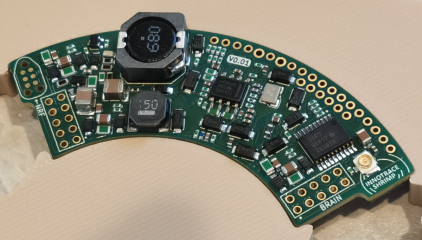
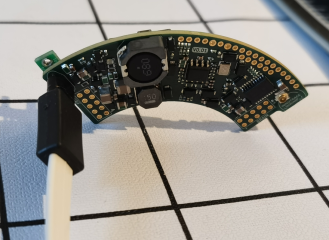
VESC based most power dense controller (INNOTRACE Shrimp for middrive motors)

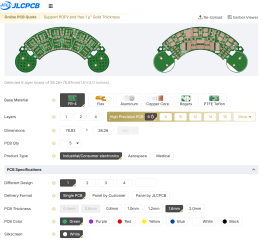
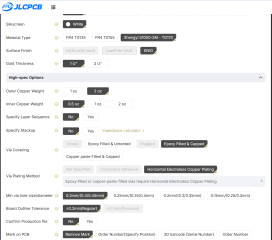
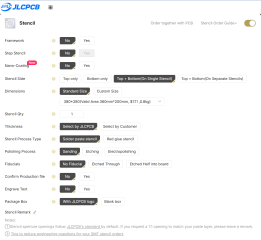
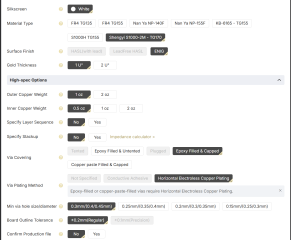
The controller has been ordered! The production files will be posted soon, stay tuned! Here are the settings

1778219528520.png

1778219609382.png

1778219814281.png

1778219850773.png

1778220865133.png

1778220904819.png


1778220981793.png

1778221006044.png
 
Guys, today is the day! The world's most power-dense BLDC motor controller INNOTRACE Shrimp is here!

Here is the archive with the KiCAD 10.0.1 project files and Gerber files of the controller PCBs. The firmware and firmware installation instructions can be found in the achieve too. If you feel you might need it or might want it you probably better hurry up! Mxlemming warned us the components availability won't last long! But you know the drill while we have never had a single mistake there is still no guarantee it will work.


1778230879270.png
 
Last edited:
If you want to check the controller fitment before making decision to order it here are the controller CAD model files for 3D printing


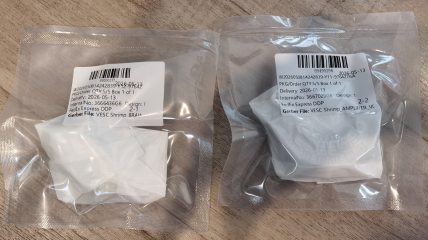
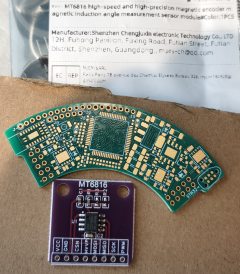
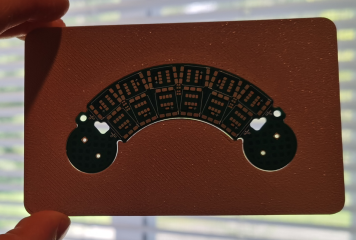
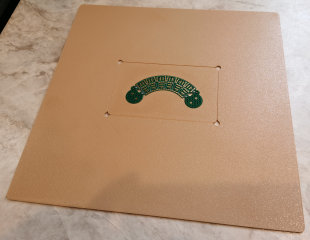
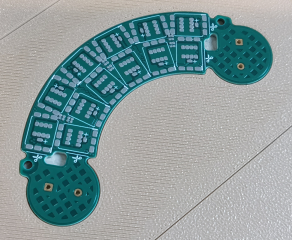
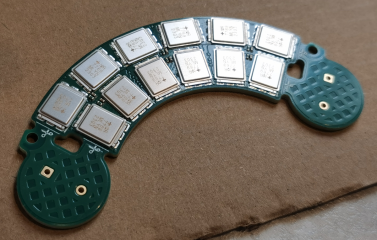
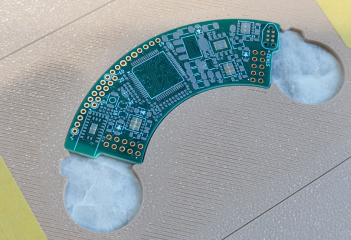
Exciding news guys! The controllers and stencils from JLCPCB have arriver and look beautiful as always!

1779132137769.png

1779132370929.png

JLCPCB even sent me more than twice amount of controllers than I ordered, what am I gonna do with all of those? This controller is so small that they probably decided to make more of them.

1779132416629.png

1779132471798.png

1779132518660.png

1779132574237.png
 
Last edited:
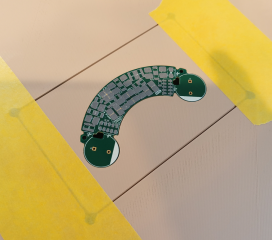
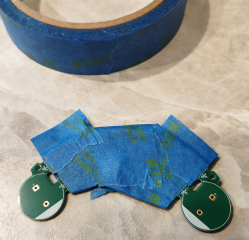
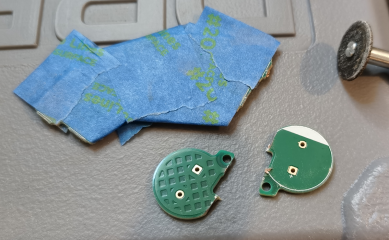
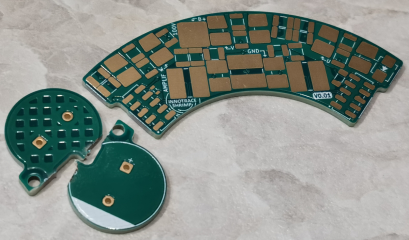
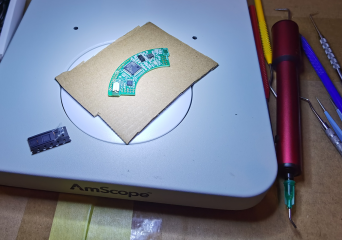
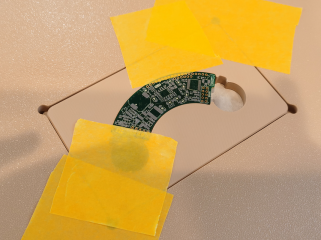
Here is how you can trim the AMPLIFIER board to make it shorter if necessary

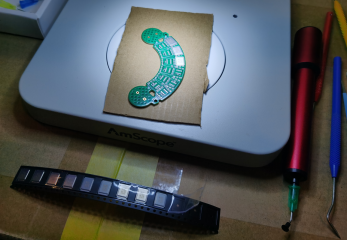
Mask it with masking tape

1779159075376.png

Chop it with Dremel ouside the lines

1779159128913.png

1779159182915.png

Sand the edges along the lines so the lines are still visible

1779159218024.jpeg

Remove the masking tape and now you have nicely trimmed APLIFIER board

1779159317745.png


Be aware the internal layers on the side edges of the AMPLIFIER board now have exposed ground and battery voltage so make sure the side edges are isolated and do not touch anything conductive

1779159378232.png
 
Thats... very inefficient space usage. I bet you can design something with the size of the actual sensor by putting the passives on the other side of the pcb.
 
Yes, the encoder can be very small. I am planning to install this controller in Bafang M620 to test it and there is enough space so I just purchased this one.
 
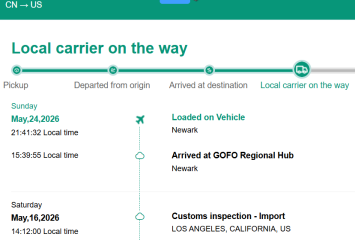
I do not have all the parts yet (thanks to the customs), but I have enough parts to start assembling the controller. So I started assembling the bottom portion of the AMPLIFIER board. Wish me luck guys!

1779571471206.png

1779571586425.png

1779571708383.png

1779571758482.png

1779571820495.png
 
The bottom side of the AMPLIFIER board has been complete. So all the SMD parts has been installed on the BRAIN board! Do you think it is going to work?

1779668520860.png

1779668619228.png

1779668705100.png

1779669007795.png
 
Alrighty, the AMPLIFIER board has been complete! Here is the top face assembly process

First of all you need to prepare the parts and one part requires modification. You need to bend the negative battery terminal.
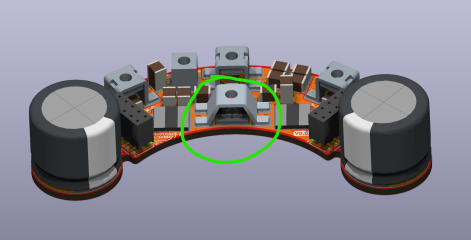
1779942489145.png

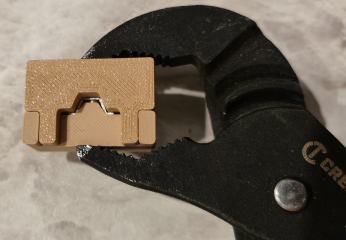
You probably can use pliers to bend it manually but build a 3D printed die to bend it to the necessary shape. The die CAD model can be downloaded here


1779942712074.png

1779945158086.png

Just place the terminal in the die and squeeze it with pliers or vice
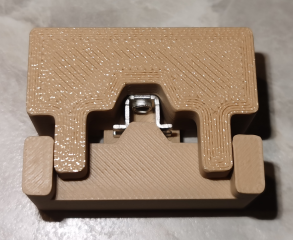
1779945199587.png

1779942982232.png

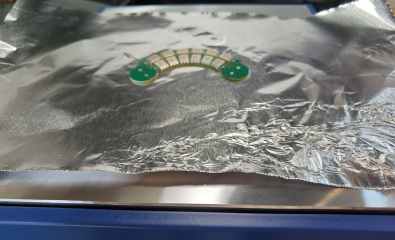
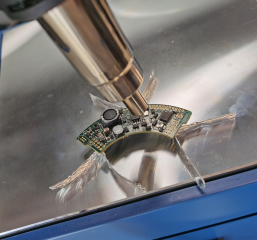
I also recommend to wrap the plastic housings of the boards interconnect connectors in a few layers of aluminum foil keeping the legs exposed. That is necessary to avoid damaging the plastic housing during hot air soldering process.
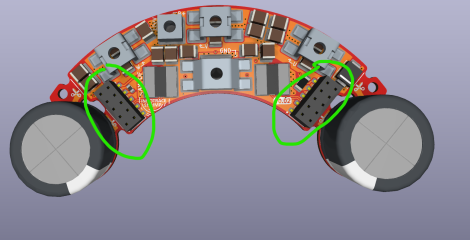
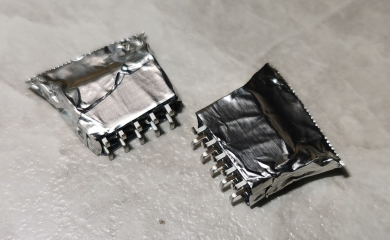
1779943172918.png


1779943120561.png


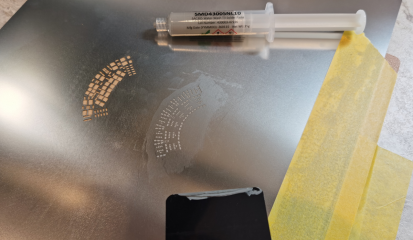
Apply soldering paste on the top face of the APLIFIER board. I recommend to solder the first face of the AMPLIFIER board and the BRAIN board with lead free soldering paste and the second face with leaded soldering paste (that helps to avoid the first soldered face solder melting when you will solder the top face)


Here is the lead free soldering paste I used


Here is the leaded soldering paste I used


1779943579781.png


1779943615454.png

You can order a custom stencil to skip the next step if you want to, but I used the default stencil so after applying the soldering paste the terminals pads soldering paste needed to be removed
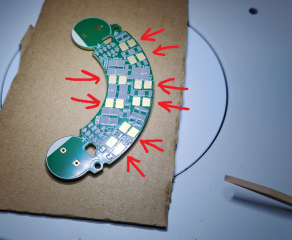
1779943772942.png

Place all the SMD components except the terminals (the ones cover other components)
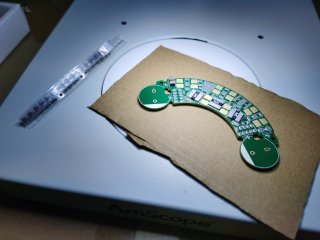
1779943895922.jpeg

Solder the components with hot air avoiding blowing directly on the plastic connectors

1779943948968.png

Apply soldering paste manually on terminals pads

1779944067344.png

Place those terminals and solder them with hot air
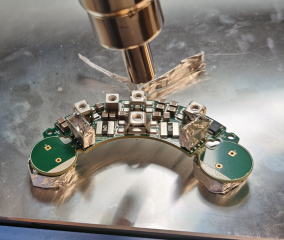
1779944134532.png

Solder the second layer ceramic capacitors

1779944431750.png

Apply some soldering paste on the bottom capacitor, place the second capacitor on top and solder it with hot air
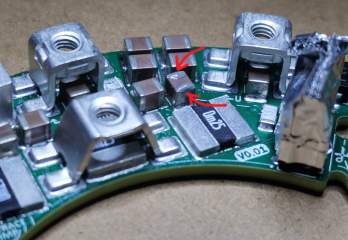
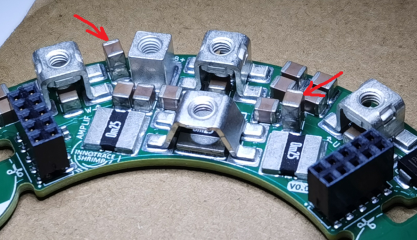
1779944530246.png

1779944659225.png


If you did not chop off the bulk capacitors areas solder the bulk capacitors and trim the legs as short as possible. And there you have it, the most power dense controller in the universe AMPLIFIER board is complete

1779944254641.png

1779944322143.png

1779944719237.png
 
Last edited:
I also recommend to wrap the plastic housings of the boards interconnect connectors in a few layers of aluminum foil keeping the legs exposed. That is necessary to avoid damaging the plastic housing during hot air soldering process.
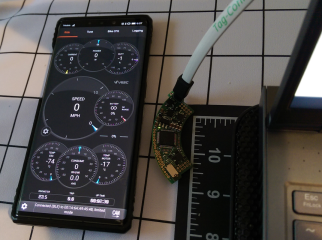
To be fair I'd skip soldering these two with hot air and solder them manually with a super fine tip afterwards. Less risk of damaging the plastic.
 
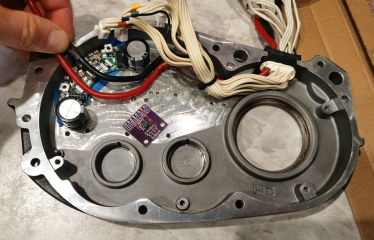
It is time to replace the good old VESC for Bafang M620 UART by the INNOTRACE Shrimp!

1780028795372.png

The difference is massive! Significantly smaller size and significantly more power! The old BRAIN board vs the new BRAIN board

1780028878349.png

The old AMPLIFIER vs the new AMPLIFIER

1780028957129.png

Started mocking up the wiring

1780029142133.png
 
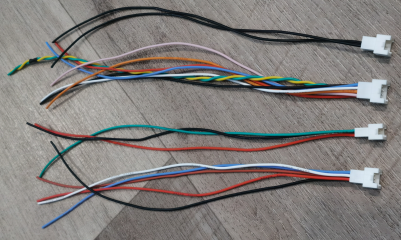
Crimped the cables for the Bafang M620 sensors and harness

1780285272058.png

1780285326600.png

1780285361575.png

1780285425152.png

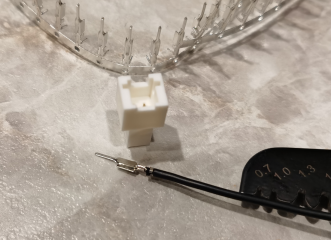
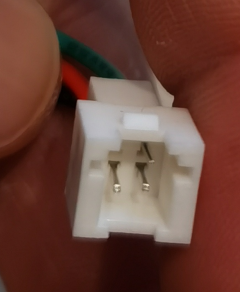
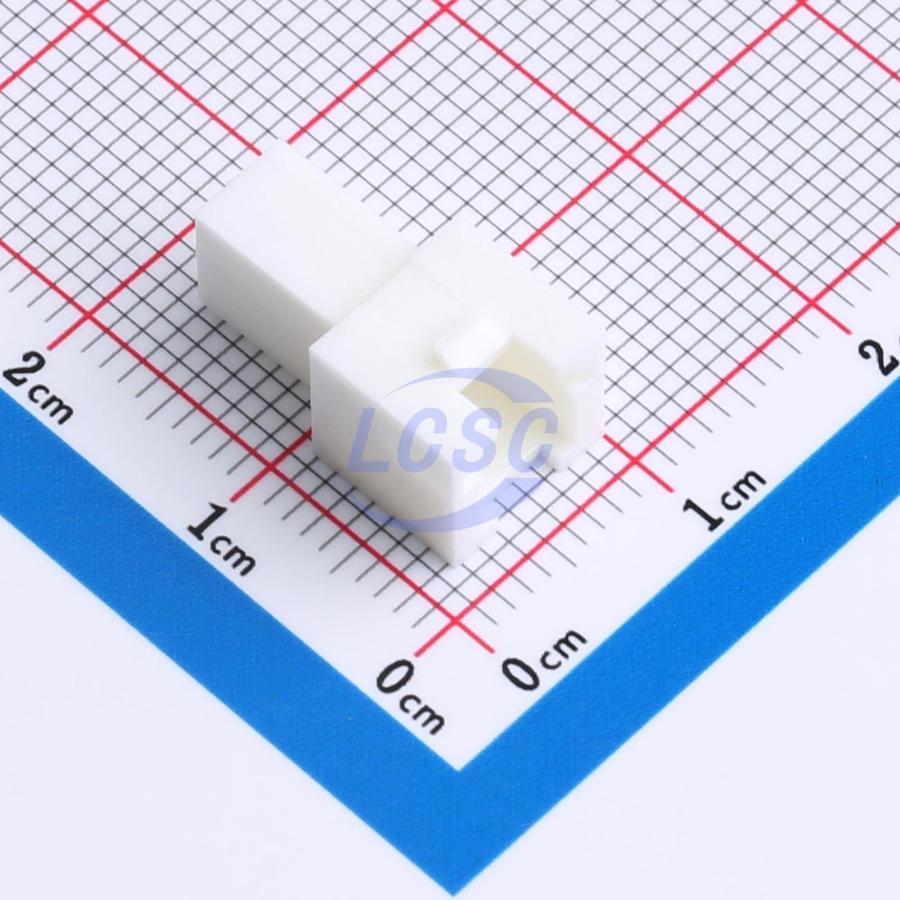
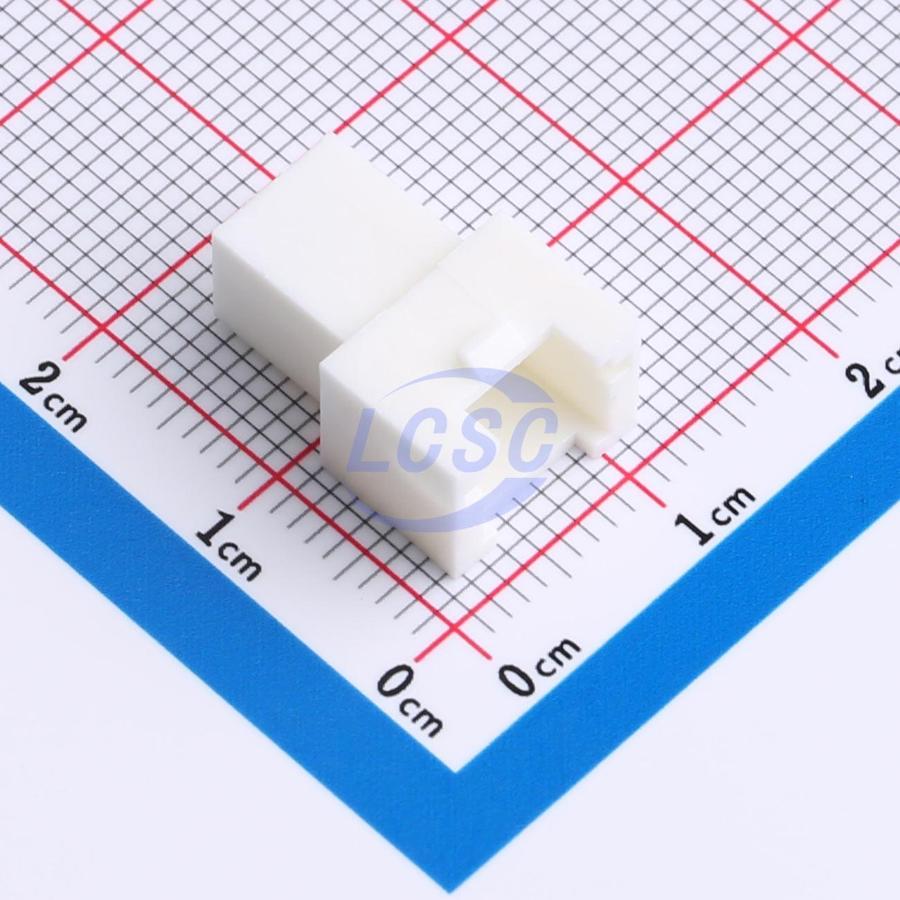
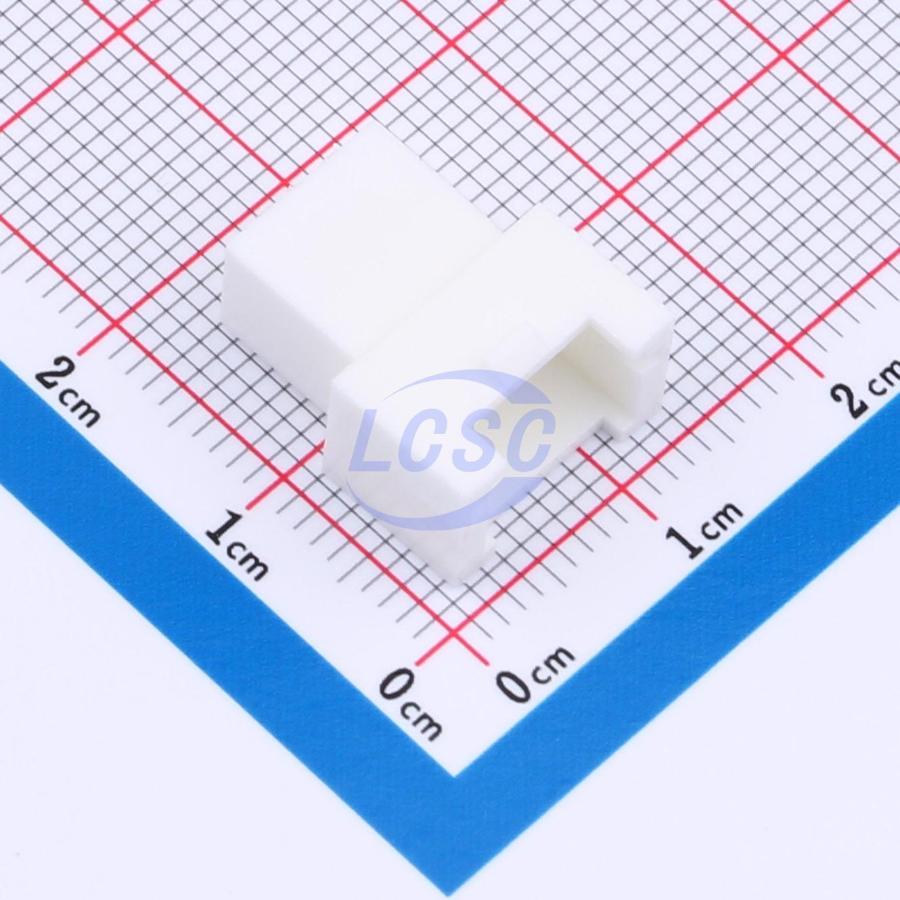
You can use these male connectors for the Bafang M620 harness

4 pins


6 pins


8 pins


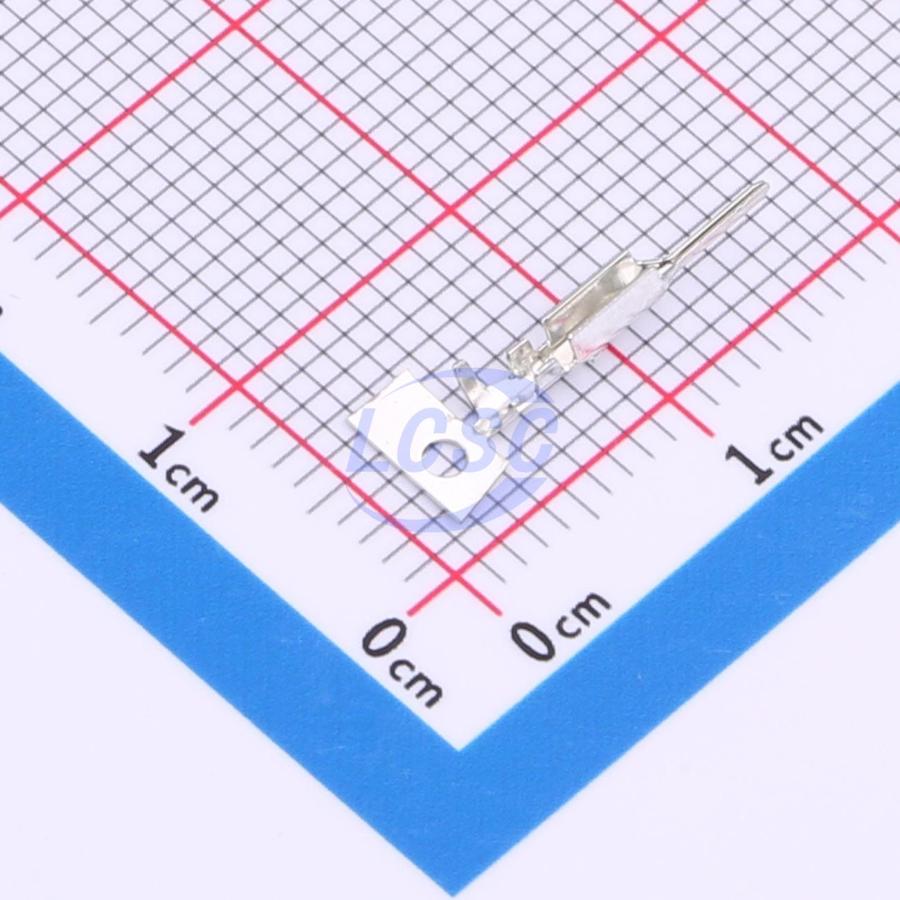
Here are the male pins


Here is a crimping tool works with these pins


You also will need 26AWG wires. I used these silicone wires


Before soldering the CAN-L and CAN-H signal wires to the BRAIN board make sure they are twisted

For the GND and +5V soldering pads on the BRAIN board you can use use 22 AWG wires and solder those to the thinner 26 AWG wires go to the connectors

 
Last edited:
Back
Top