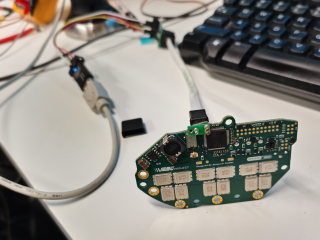
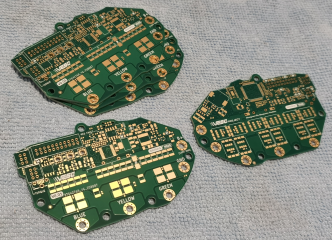
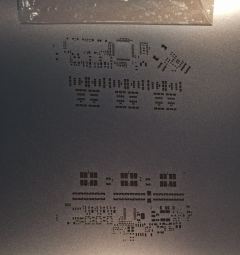
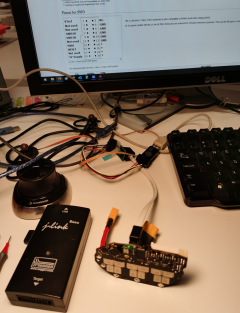
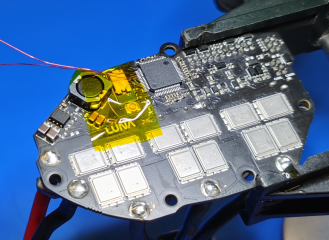
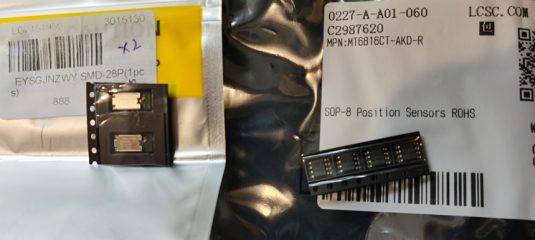
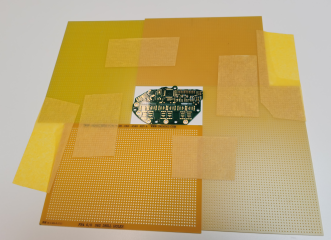
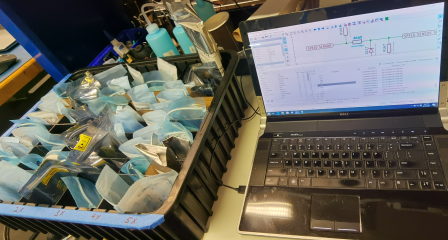
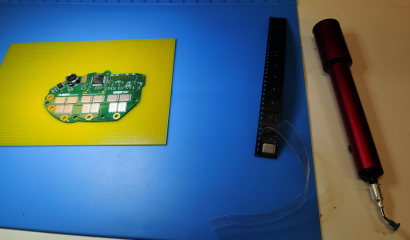
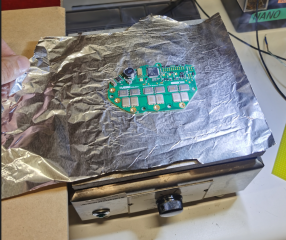
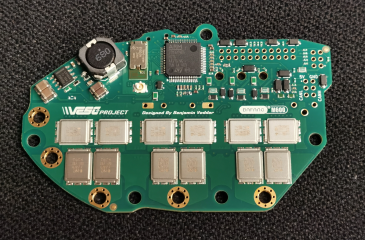
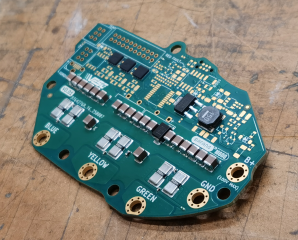
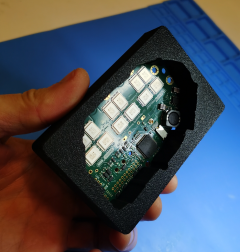
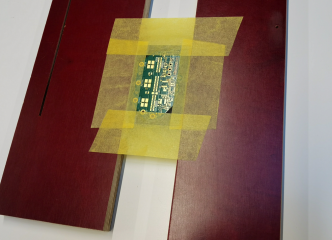
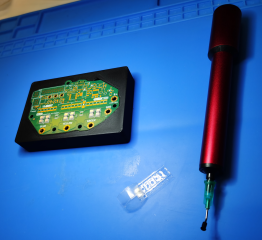
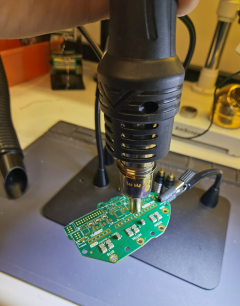
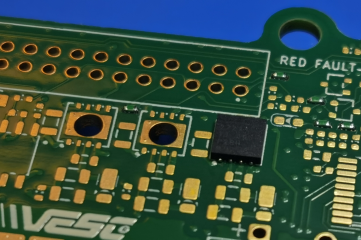
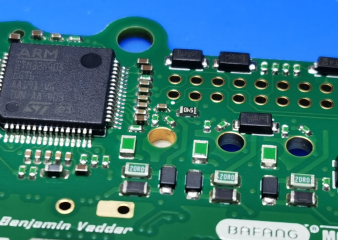
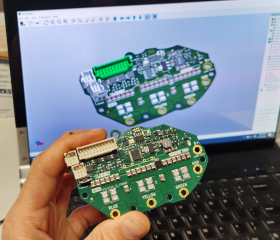
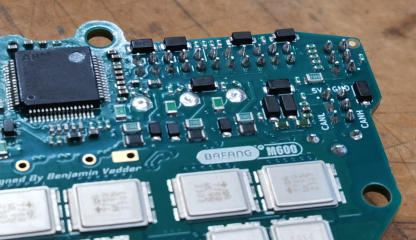
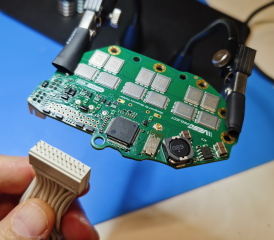
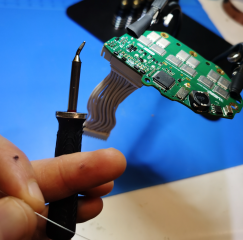
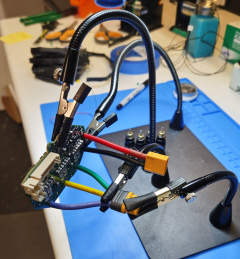
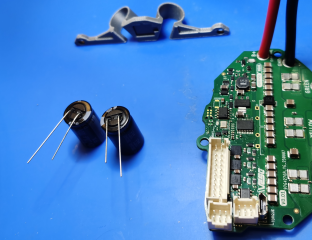
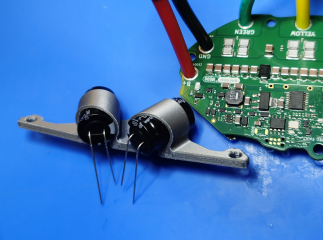
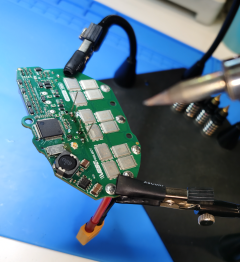
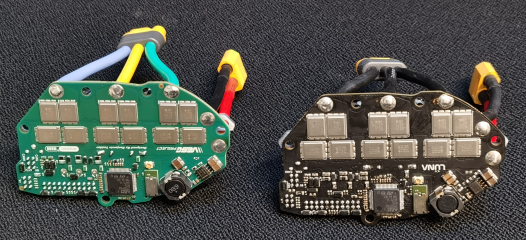
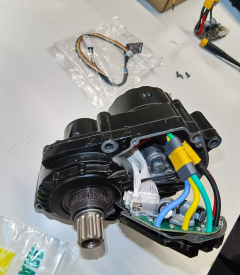
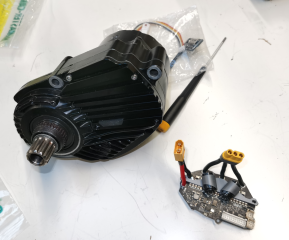
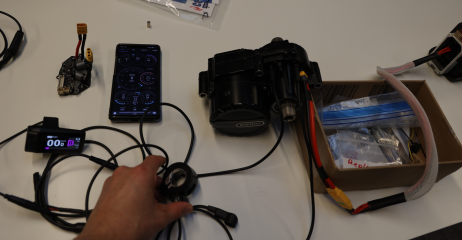
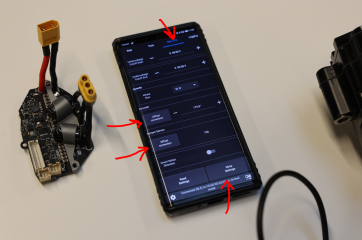
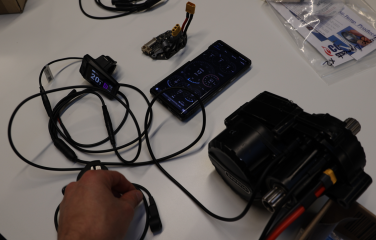
Woohoo! All SMD components have been soldered and Bluetooth with VESC Tool communications work!

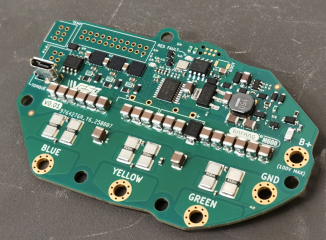
Unfortunately I was not able to make the Bluetooth works using the VESC Tool (using the "SWD Programmer" menu in the VESC Tool and "Connect Internal" to connect the Bluetooth chip). I tried all the firmware files the VESC Tool offered (4 different options) and none of them made it works. I also tried to flash the Bluetooth module with VESC Tool using the *.hex file and the trimmed *.bin file I extracted from the original Luna Bluetooth module and it did not work either. I do not know what the problem is, maybe VESC tool is just not capable to do this operation properly, or maybe Luna uses proprietary firmware VESC tool does not offer.
I also do not see the Luna Bluetooth module firmware here
The VESC motor control firmware. Contribute to vedderb/bldc development by creating an account on GitHub.

github.com
So currently the only way to make the Bluetooth works is to use brute force. But no worries, I will explain you how to do this.
Here is the process:
1) Once you soldered the controller do not flash the firmware on the STM32. If you flashed it already then erase it.
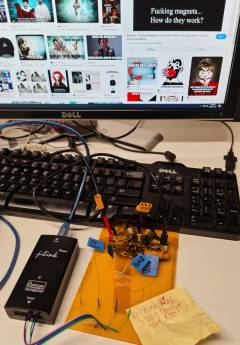
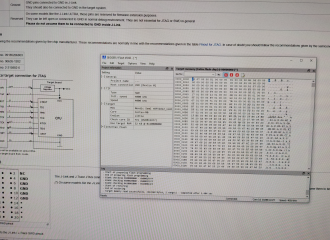
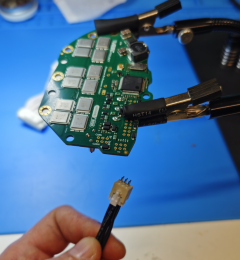
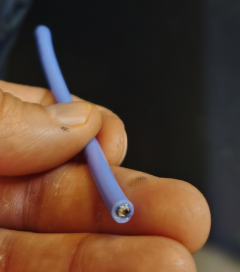
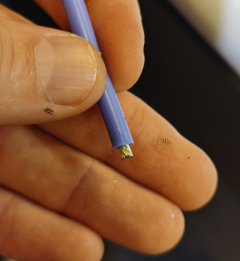
2) Solder 4 tiny wires to Ground, 3.3V, Bluetooth module SWCLK pin (Pin #50 on STM32 is connected to it and can be used for soldering the wire), Bluetooth module SWDIO pin (Pin #55 on STM32 is connected to it and can be used for soldering the wire)
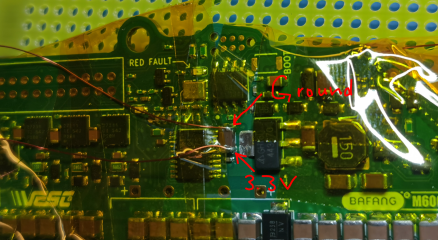
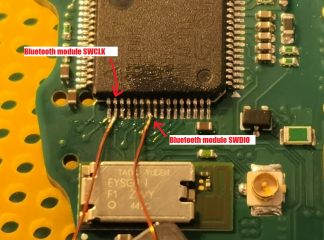
3) Connect those 4 wires to J-Link Ultra+ programmer


4) Connect USB cable to the USB receptacle on the controller and connect other end of the USB cable to USB port in powered PC (this is for powering the Bluetooth module)
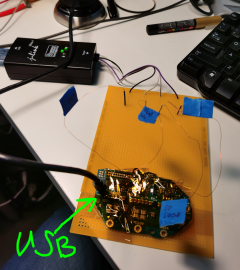
5) Connect J-Link Ultra+ to PC with USB cable.
6) Download and install J-Link Software and Documentation pack for your system
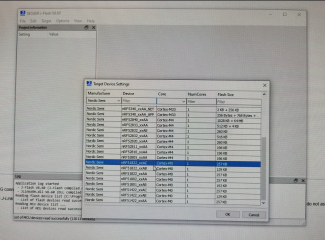
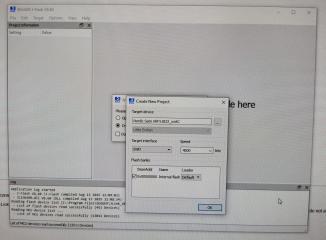
7) After installation open J-Flash program (installed with the J-Link Software and Documentation pack) and select "Create new project ---> Start J-Flash", then select "Target Device" as nRF51822_xxAC, the rest of the options keep as is.
Or you can just open the project file "Bluetooth Firmware from Ludicrous v2 m600 2022 Rev5 dumped from nRF51822_xxAC_256kB Flash_32kB RAM_2025-08-18.jflash" on the J-Flash program start from the Bluetooth firmware archive I shared earlier.

drive.google.com
8) In the J-Flash program select "Target ---> Connect"
9) Then select "Target ---> Manual Programming ---> Erase Chip"
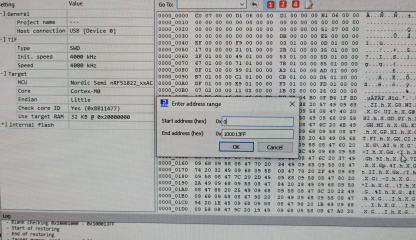
10) Then select "File --> Open data File" and select the "Bluetooth Firmware from Ludicrous v2 m600 2022 Rev5 dumped from nRF51822_xxAC_256kB Flash_32kB RAM_2025-08-15.hex" file from the Bluetooth firmware archive I shared earlier.
drive.google.com
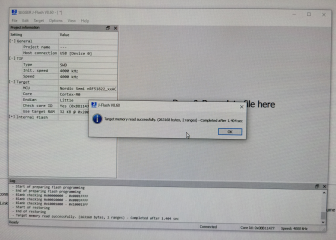
11) Then select "Target ---> Manual Programming ---> Program & Verify"
12) After finishing the process select "Target ---> Disconnect"
13) Disconnect the controller from the cables and unsolder the 4 wires from the controller you soldered for this process before
14) Now you can flash the STM32 with the controller VESC firmware image I shared with ST-Link V2 dongle and Tag Connect cable usual way connecting the ST-Link V2 dongle following the pin-out of the Tag Connect pads from the controller Ki-CAD files
Hello, did you try to contact Krasnodar first for assistance? I would contact him first. Maybe ask him when he is planning to make the online server available again (he promised to make it available soon some time ago). If he does not respond here is the link for the bypassed tool with advanced...

forums.electricbikereview.com